


Buying your first outdoor Christmas reindeer set can feel backward: product pages ask you to compare options before you know which questions matter. Start by recording the space and main view you actually have. Then use the right Owner guide for each configuration question, compare only what current product photos visibly show, and verify every product-specific fact on the exact page before you browse the collection.
Mark the Space and Main View You Actually Have
Make a simple record of the area you intend to use. Note its visible boundaries, permanent landscaping, steps, porch features, paths, and decorations you already expect to keep. You do not need a complete yard redesign; you need an honest picture of the space this purchase must join.
Choose the view that matters most when you imagine the finished display. It may be the approach to the home, a view from the front walk, or another normal perspective. Record that view in one photo so you can compare it with product images later.
If your immediate question is how a reindeer should relate to a porch, lawn, or driveway area, use the separate reindeer size-by-location guide. This page will not repeat its scale conclusions or provide a universal dimension.
After a product is chosen and placed, the street-view readability check owns the long-view diagnosis. For now, you only need to identify the main view that will shape your shopping decisions.
Choose the Right Decision Path Before You Compare Products
Your first question should send you to one focused guide. Use the table as a routing map, not as a shortened answer.
| Question you need to resolve | Go to this Owner page | What to bring back |
|---|---|---|
| Do I want one reindeer or a family set? | One Reindeer or a Reindeer Family? | Your chosen configuration direction |
| I want a family set; should I compare three or four figures? | 3-Piece vs. 4-Piece Reindeer Family | The member-count path you want to explore |
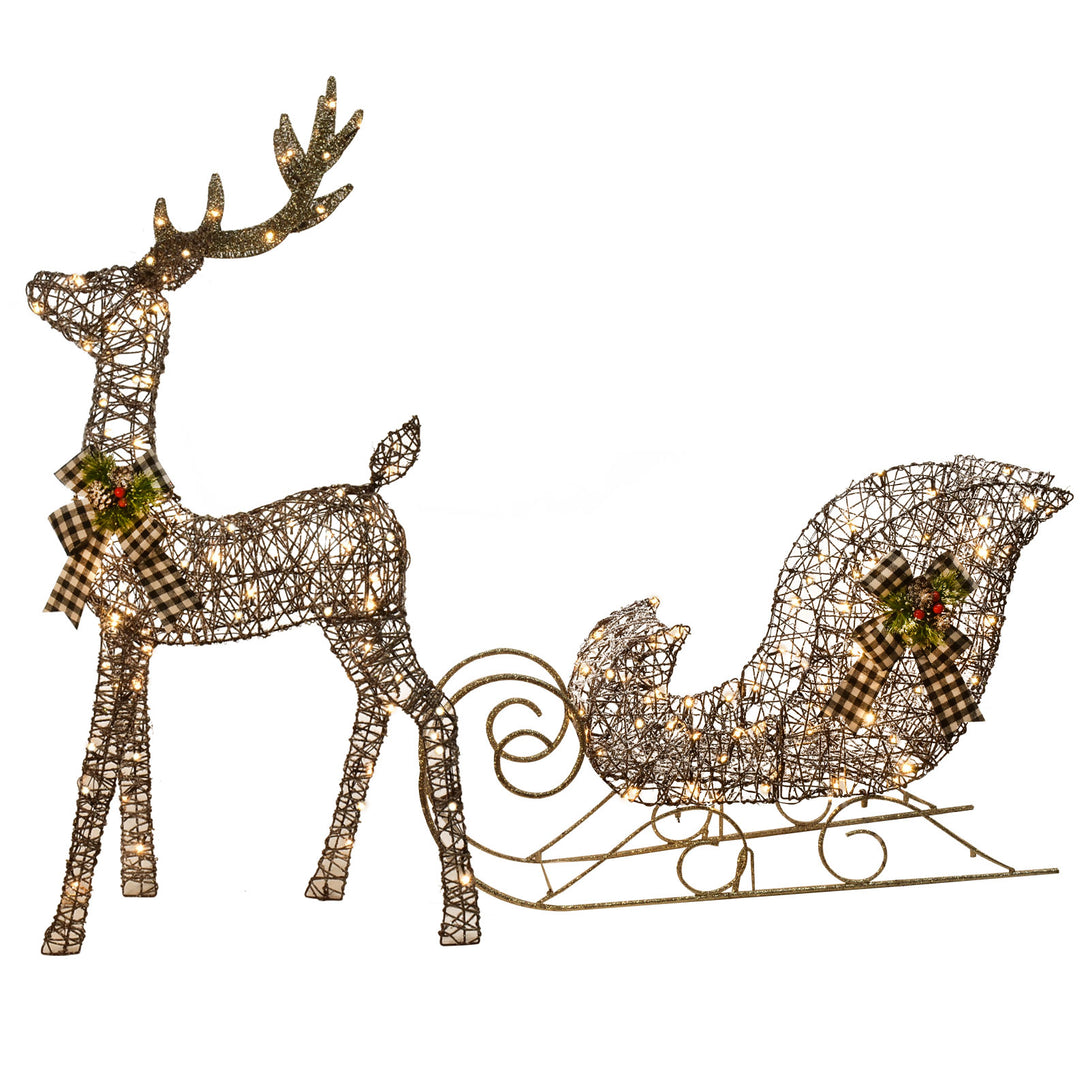
| I am considering a reindeer-and-sleigh configuration | Reindeer and Sleigh Outdoor Display Ideas | Whether that configuration belongs in your plan |
HOYECHI's website owner reports a recurring first-purchase pattern: faced with many options, some shoppers buy one figure, place it in the yard, then add another because the display still feels sparse. A later add-on repeats the product-selection work and, when the items have separate connection requirements, can add setup planning. Treat this as a reason to finish the linked one-or-family decision before browsing—not as a rule that every yard needs a family set.
Return here after resolving the relevant branch. You should now have a real area and main view recorded, plus a configuration path to browse. You still have not selected a specific product, and that is intentional.
Use Real Product Photos to Compare Visible Form
Product photos are most useful when you separate what is visible from what still requires verification. Begin with the image pixels, not a promotional label.
Compare these visible features:
- how many figures or objects appear in the selected configuration;
- the overall outer shape of each visible piece;
- the direction shown by the head and body;
- which parts remain separate and which overlap in the photographed arrangement;
- how the same configuration appears across more than one gallery image.
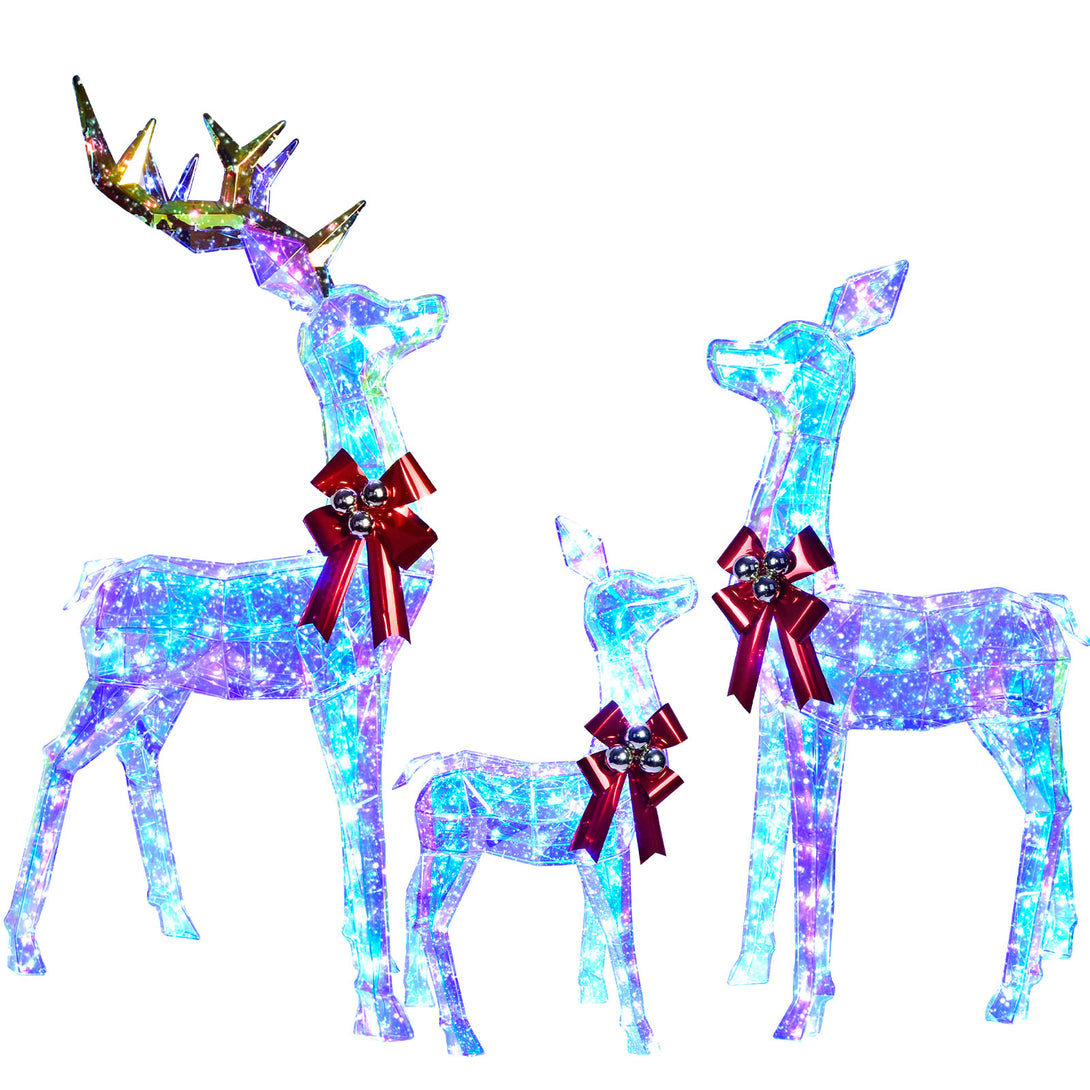
A single front-facing image can flatten the sense of depth. A 2D silhouette and a full-depth 3D form may look more similar from one angle than they do across a complete gallery. Piece count and design type are also separate questions: a set can contain multiple 2D pieces. Compare front and angled views, confirm the stated piece count, look for visible depth or structure, and verify that each image belongs to the exact option.
To practice that page-reading step, review a current three-piece lighted deer family example and see a current three-piece 2D silhouette example. These are reference pages, not ranked picks. Confirm the exact option and current page facts before using either example in your decision.
Keep your space photo and chosen configuration path beside you. Ask whether the visible count, outline and direction match the area and view you recorded. This is not the stage for deciding which product is universally better. It is a way to remove options whose visible configuration does not match your documented route.
Do not infer hidden facts from appearance. A photo cannot by itself confirm materials, exact measurements, included components, outdoor ratings, adjustability, or other product details. A head facing one direction in a gallery image also does not prove that it can be repositioned.
Check that every image you rely on belongs to the exact current product page and selected option. If a gallery mixes configurations, do not assume every image describes the same choice.
Verify the Exact Product Page Before You Buy
Once a visible configuration fits your plan, open its exact current Product page. Record the URL, the option you are viewing, and the date of your check. Product information and options can change, so a saved title or an old Blog statement is not enough.
HOYECHI's website owner notes that many customers place orders without sending a pre-purchase question. If you prefer to shop that way, make the verification note part of the purchase rather than a later support step. The current pages checked for this draft contain SKU-specific details, but the mix of fields differs by page. No single Product page proves that every HOYECHI SKU is complete.
Create a short verification note for the details that affect your decision. Depending on the product, that may include the selected configuration, measurements, materials, included components, setup instructions, electrical information, outdoor-use statements, certifications, current price, availability, delivery information, return terms, or warranty terms.
Verify each needed fact on the exact current Product page, approved packaging or instructions, or another authorized source. If a detail is missing, unclear, or appears to conflict with another source, write NOT VERIFIED and pause that part of the decision. Do not fill the gap from a similar product, an old article, or a third-party listing.
This step keeps the Blog and Product page in their proper roles. The Blog organizes your decision. The current Product page and approved product documentation own product-specific facts.
A First-Time Buyer Checklist Before You Browse
You are ready to enter a collection when you can check each item below:
- ☐ I recorded the real display area and one main viewing direction.
- ☐ I used the correct Owner guide for my one/family, member-count, size, or reindeer-and-sleigh question.
- ☐ I know which configuration path I want to explore, without ranking a specific SKU yet.
- ☐ I compared more than one current product photo by visible count, outline, direction, grouping, and depth, treating piece count and 2D/3D design type as separate questions.
- ☐ I confirmed that the photos belong to the exact Product page and option I am considering.
- ☐ I listed the product-specific facts I need to verify.
- ☐ I marked any missing or conflicting fact as
NOT VERIFIEDinstead of assuming an answer.
This checklist is meant to reduce random comparison. It does not identify a universally best set, and it does not replace the current information on a specific Product page.
Frequently Asked Questions
What should I decide before buying my first outdoor Christmas reindeer set?
Record the actual area and main view, then identify which configuration question you need to resolve through its Owner guide. Compare real product photos and verify page-specific facts before choosing.
Should a first-time buyer start with one reindeer or a family set?
That is a separate decision with its own factors. Use the one-reindeer vs. family-set Owner page linked above rather than relying on a shortened rule in this hub.
How do I choose between a porch, lawn, or driveway reindeer display?
Record the location you actually have, then use the size-by-location Owner page linked above. This article does not provide a universal size conclusion or fixed measurement.
What should I check in real product photos before buying?
Check more than one view for the visible configuration, number of figures or objects, outer shapes, head and body directions, overlap, and depth. Confirm piece count and 2D/3D design type separately, and make sure every image belongs to the exact option you are considering. Treat non-visible product facts as unverified until you confirm them elsewhere.
Where should I verify dimensions and other product details?
Use the exact current Product page, approved packaging or instructions, or another authorized source. If the needed detail is missing or inconsistent, mark it NOT VERIFIED rather than borrowing a claim from another product or article.
Explore HOYECHI Christmas Reindeer
Your first outdoor Christmas reindeer purchase should begin with a decision sequence, not a product ranking. Record the real space and main view, follow the right Owner guide, compare only what current photos show, and verify every product-specific fact at its source. When those steps are complete, browse HOYECHI Christmas Reindeer with a documented configuration path for your home display.


